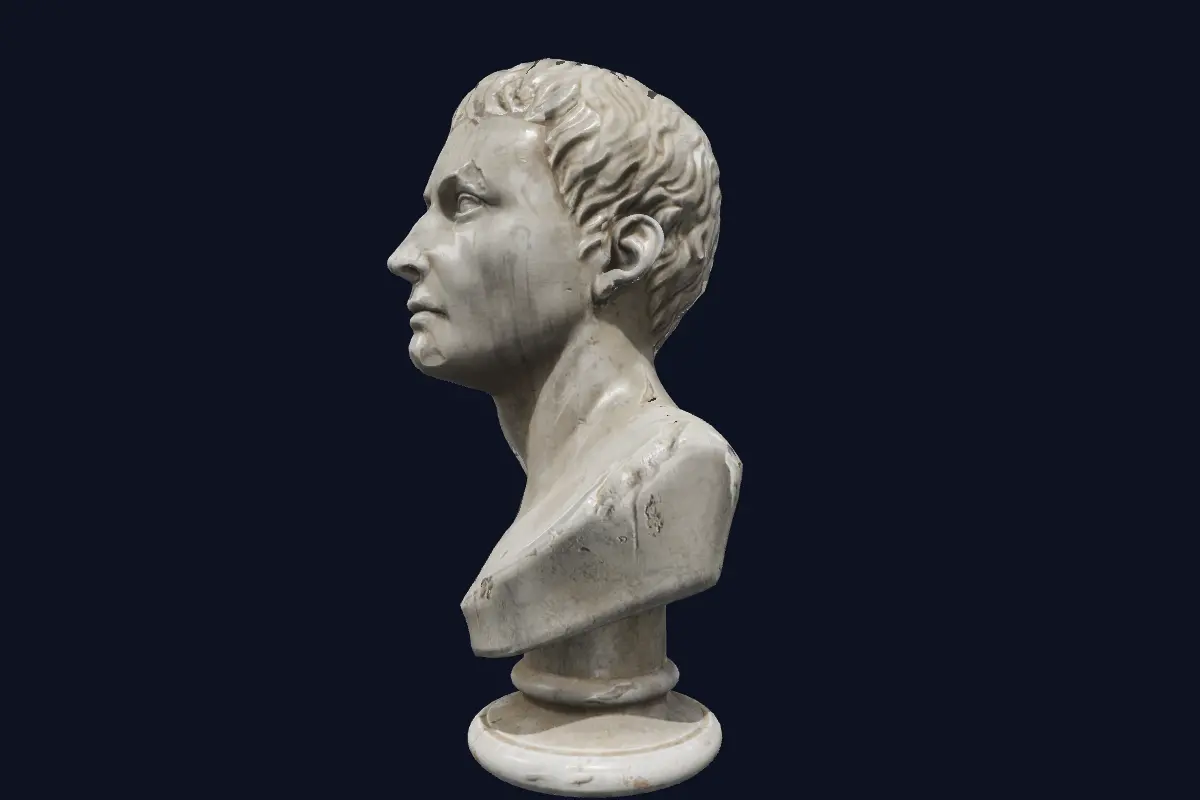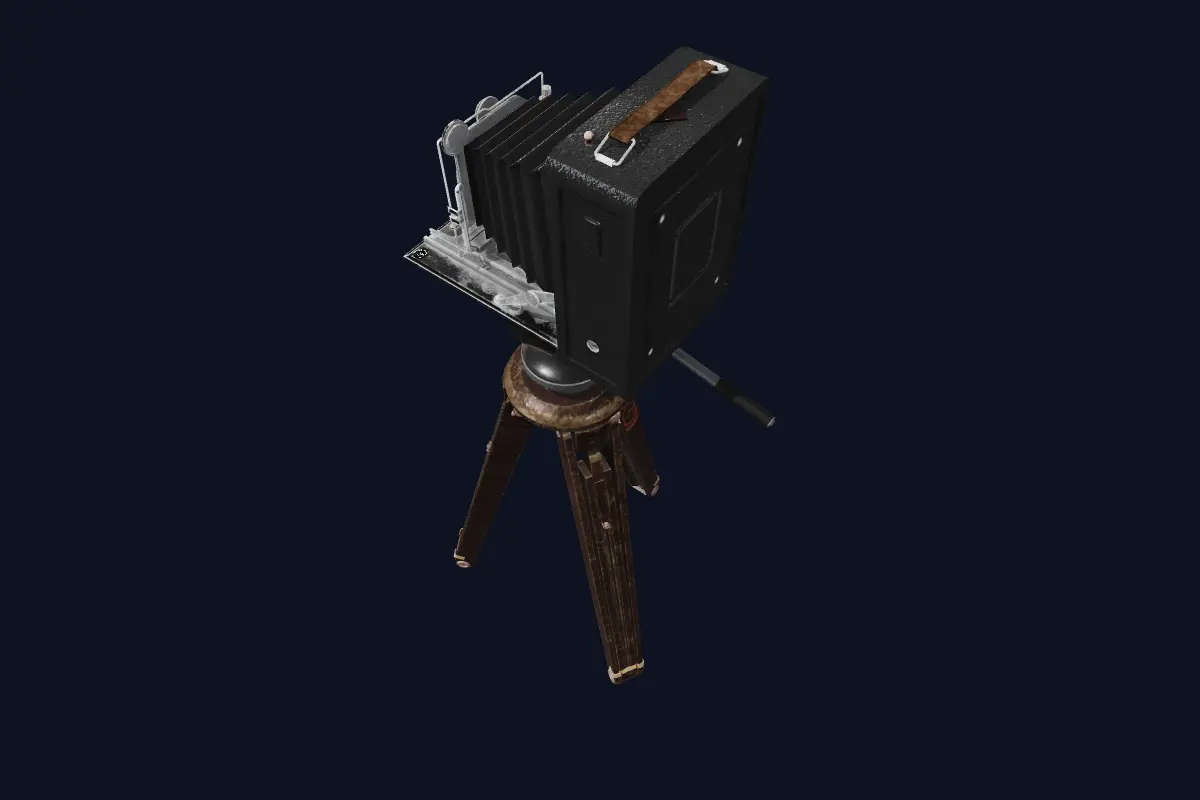
Video became a link.
Now 3D does too.

We're doing for 3D what YouTube did for video.

New in Open BIM files, automatic lighting, phone AR and voice tours

Any 3D world. Any size.
In the browser.

Send a link and your client walks the space in seconds, on a laptop or a phone. A home, a factory, a product or a scan. No app, no download. Walk it, leave comments, or export it as video.

Opens in your browser Private links you can revoke No app to install
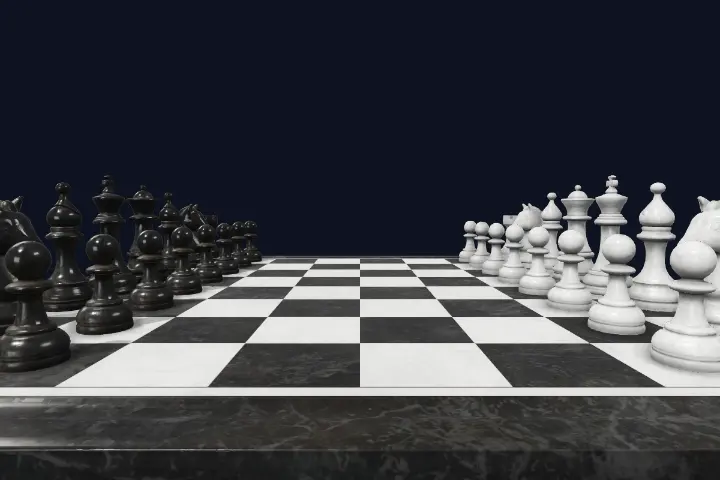
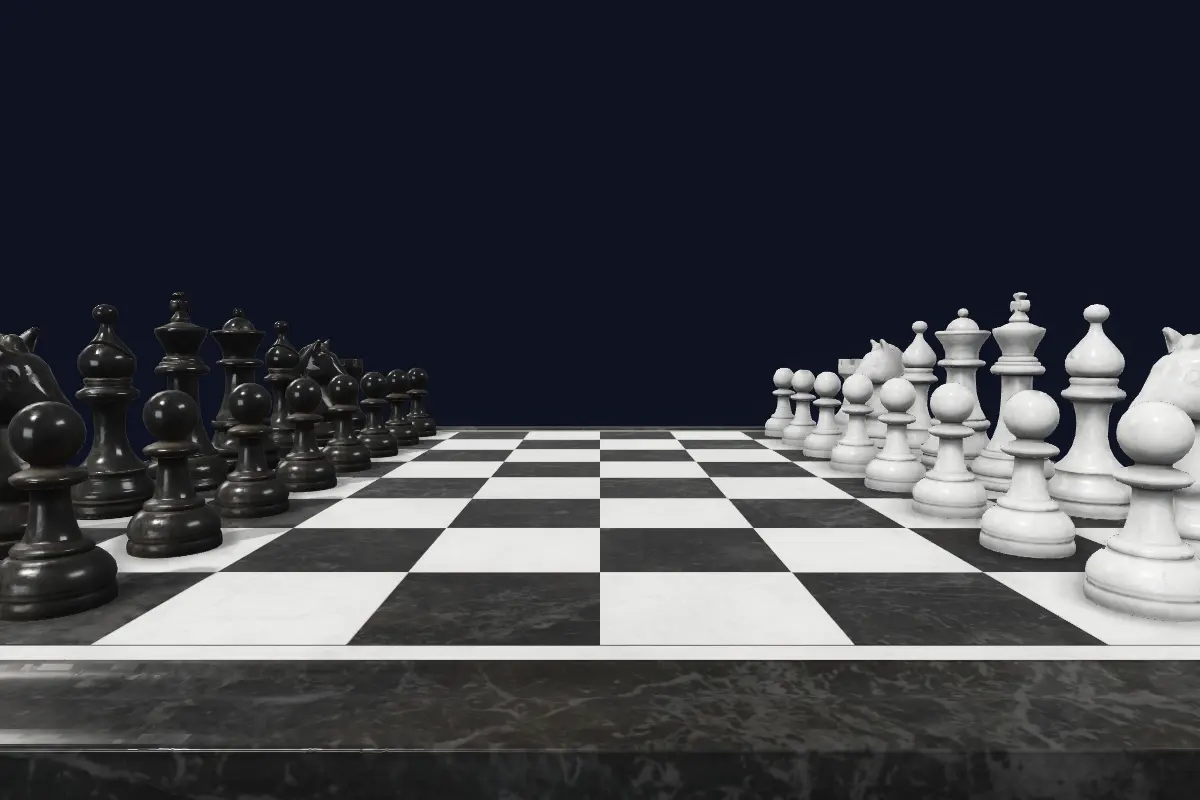
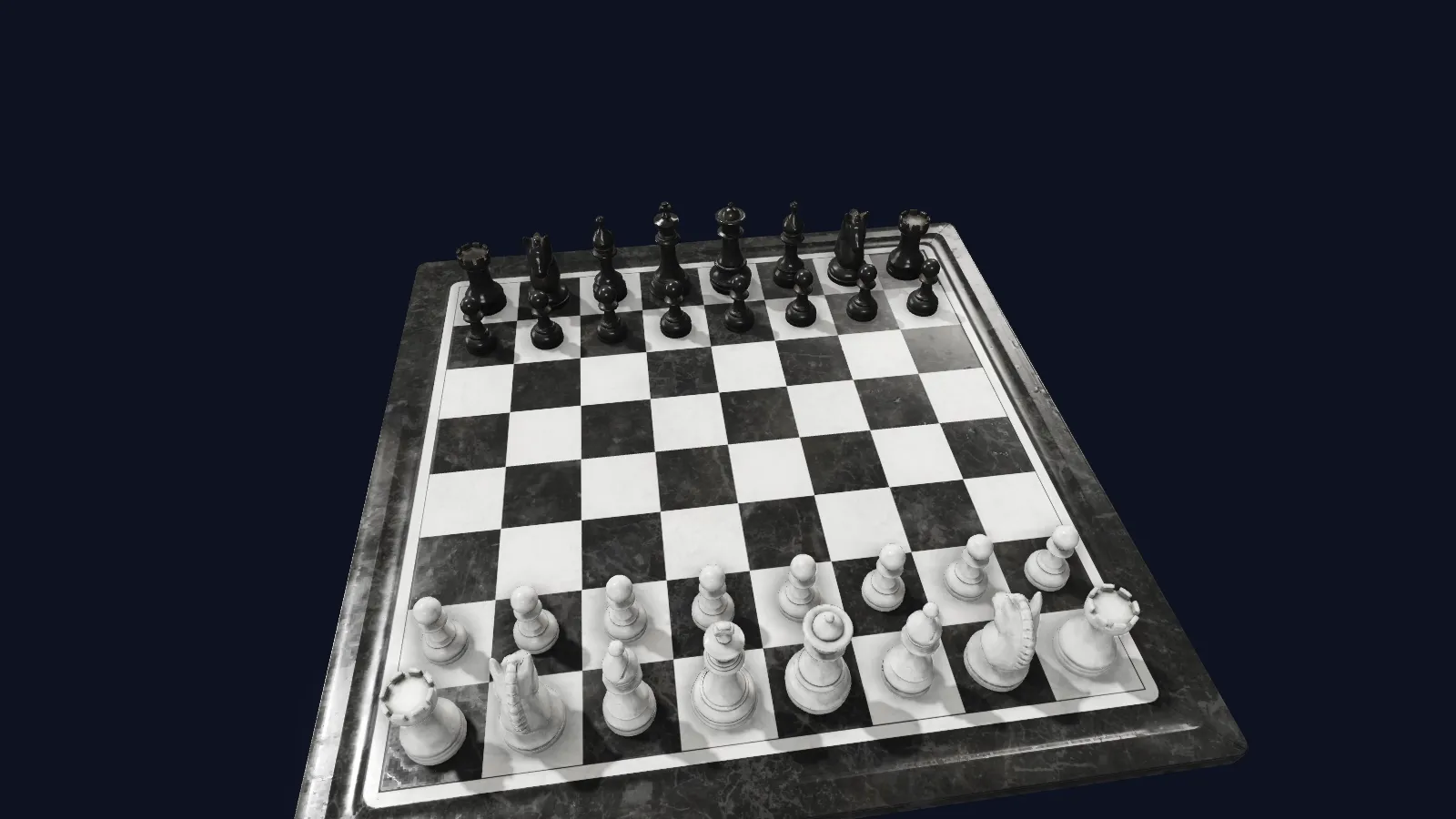
verse…/?vpk=ingest/demo-chess-set.vpk streaming · signed
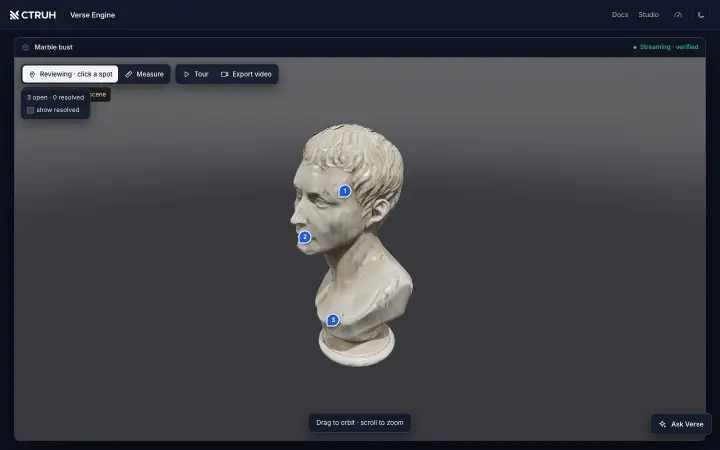
A marble chess set, rendered live by Verse Engine on a studio backdrop
Drag to look · scroll to zoom
This is the real engine streaming a real model — not a video.Open full screen
30 M triangles · 100 fps
A scan far too big to download whole, streamed smoothly on a laptop GPU
Measured on a laptop in Chrome · How we test ↗
4 s to first picture
The whole space appears in seconds, then sharpens wherever you look
3.1 M-triangle apartment over the internet · under 1 s on a local network
ΔE < 3
Colours match the designer's render, measured on every release
Colour difference vs the reference render · How we test ↗
How it works

Your heavy file in. A link that opens in a browser out.

Verse doesn't shrink your model or turn it into a video. It prepares it once — the way a film is prepared for streaming — and then every viewer receives only the part they are looking at, in the order they look at it. The file never has to fit on the device.

Read the plain-language explainer or the five concepts behind it.

Bring the file you already have

A model from your design tool or a phone scan, up to 512 MB. Drag it into the browser or press one button in Blender. No 3D file yet? Start from product photos with VersaAI. Nothing to convert first.

Verse prepares it once

Like a chef prepping ingredients so dinner takes minutes, Verse cuts your scene into thousands of pieces, from rough to sharp, and signs it so viewers know it's genuine. A three-million-triangle scene takes about four minutes. You just watch a progress bar.

You share one link

Like Netflix, Verse never sends the whole thing first. Viewers get only what their camera can see, so the link opens in seconds on a laptop or a phone. Make it private for one client, collect their pinned comments, export a video, or put it on your own website.

Why it's fast

Four known ideas, built together for the browser.

None of these ideas is secret; game consoles use versions of them. Making all four work inside a browser is what we built.

01 · Only what you see

Model size stops mattering.

Every model is pre-cut into thousands of small pieces with simpler stand-ins for distance. Each moment, Verse loads only what your camera can make out, so a 30-million-triangle scan behaves like a small file.

02 · Its own lane

Your page can stutter. The 3D won't.

Every web page has one main lane shared by scripts, ads and pop-ups. Verse draws in separate lanes, so a busy listing or product page never freezes the walkthrough.

The flagship apartment, 3.1 million triangles, is prepared in about four minutes.
03 · The graphics chip decides

100,000 objects in one tab.

Most engines tell the graphics chip what to draw, object by object. Verse hands over the whole scene and lets the chip work out what's visible, so adding furniture barely costs anything.

Second open reads from the device cache, zero network.
04 · One link, every screen

From a ₹12,000 Android to an Apple Vision Pro.

A built-in autopilot adjusts sharpness and effects many times a second to keep motion smooth on each device, and eases off before a phone overheats. Headsets walk the same scene in VR.
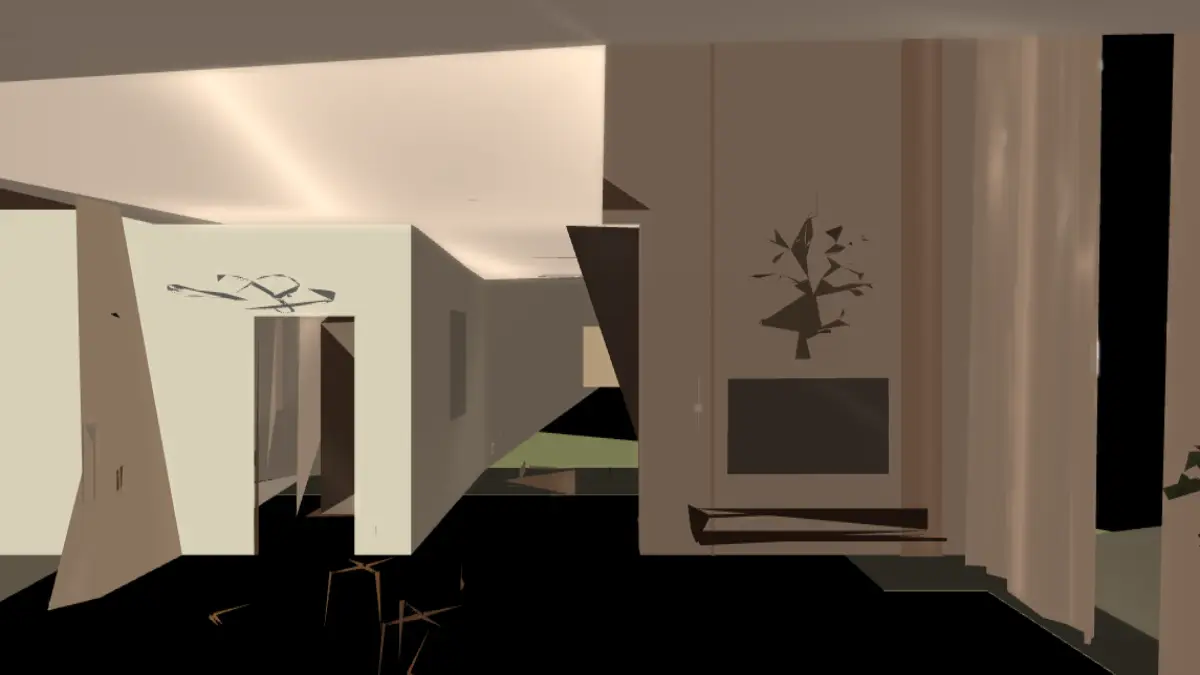
No app, no plug-in for the viewer. Just the link.
The first fifteen seconds

Never a hole, always a blur.

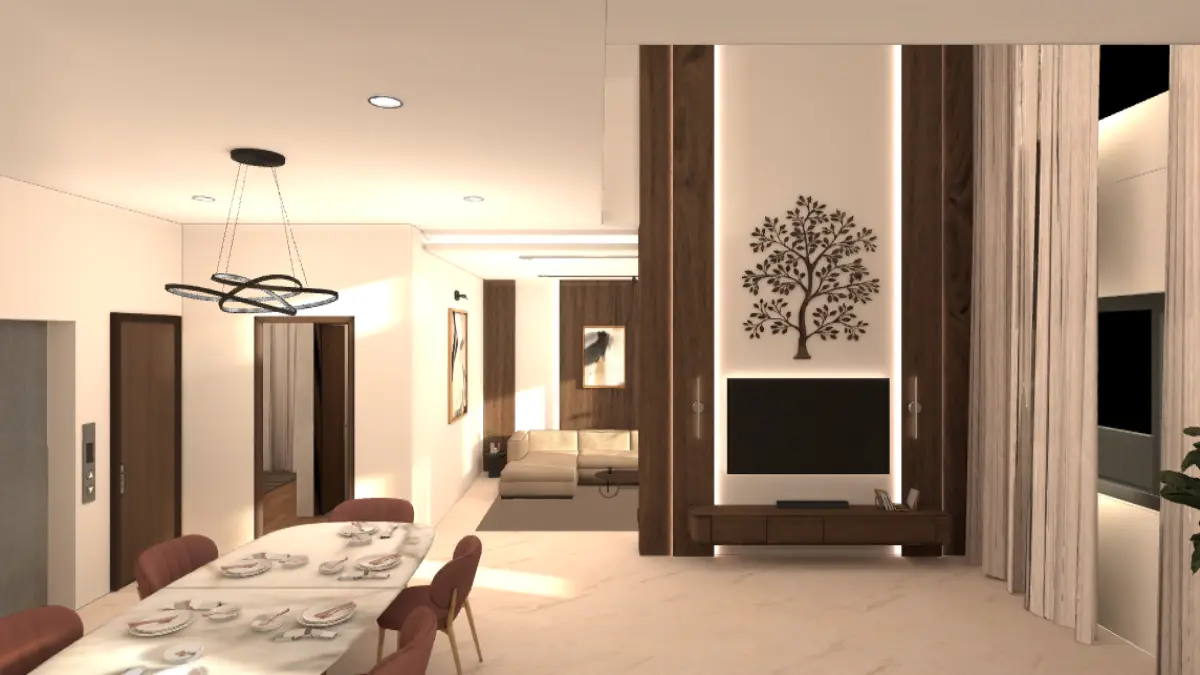
The same 3-million-triangle apartment, opened cold on a 25 Mbit/s home connection. A regular viewer is still downloading at fifteen seconds. Verse shows the whole space in about 4 seconds, then sharpens wherever you look. The worst you'll see is a soft image that sharpens, never a blank screen. The recording is the real viewer, not sped up.

A regular 3D viewer283 MB scene0:15
Still nothing on screenThen an app to install, and a phone that cannot hold the file anyway.
Versesame scene, streamed0:00
live recording
Inside the flat before the other bar has movedEvery wall and room is there at about four seconds — rough, in the right colours. Textures, pictures and marble are sharp by fifteen.
The apartment at about four seconds: every wall and room already visible as a rough, correctly coloured cut4 s
Second fourEvery wall and room is already there — a rough cut in the right colours, enough to know where you are.
The same view at 15 seconds: textures, pictures and the marble floor resolved to full detail15 s
Second fifteenTextures, pictures, marble: sharp wherever the camera points. Detail keeps arriving as you move.
Live demos

Try it with your thumb

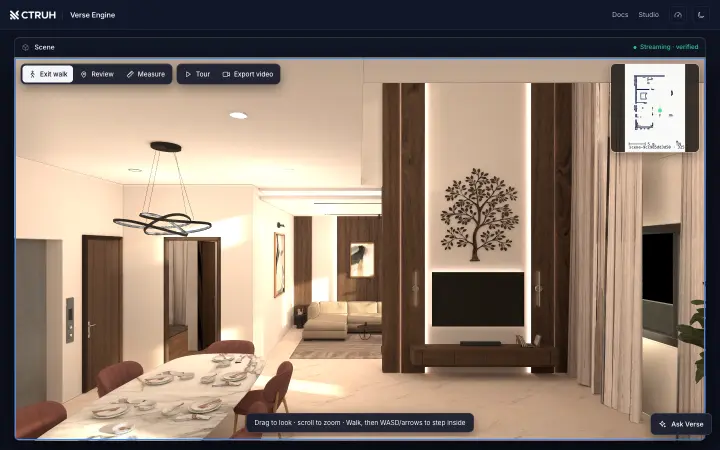
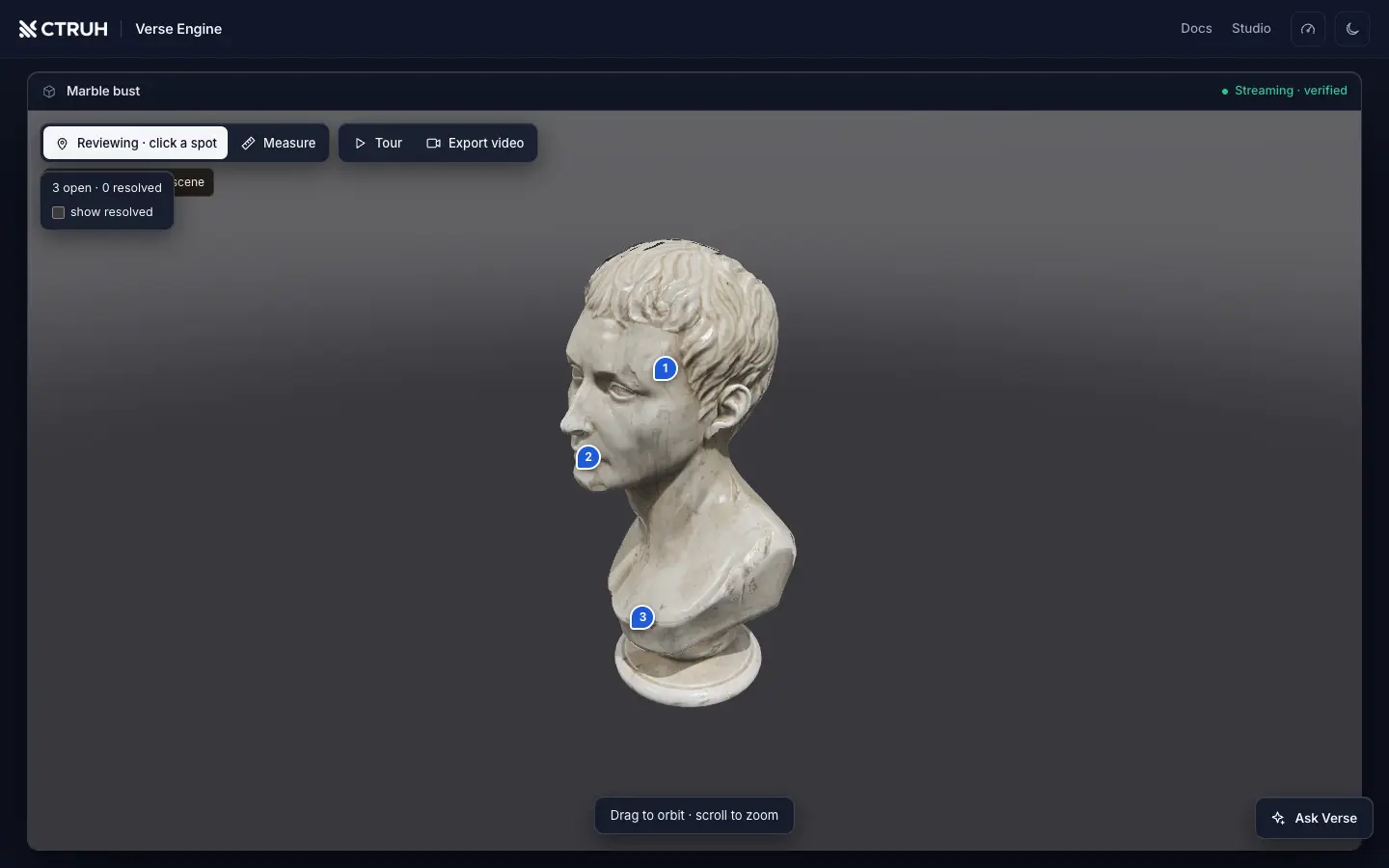
Open any of these in the browser you have. Drag to look, pinch to zoom, press Walk to step inside the apartment.

Demo models are public, license-clean assets (CC0) — credits and licenses. The apartment is a real archviz project, shown with its owner's permission.

In production

One real apartment, measured end to end

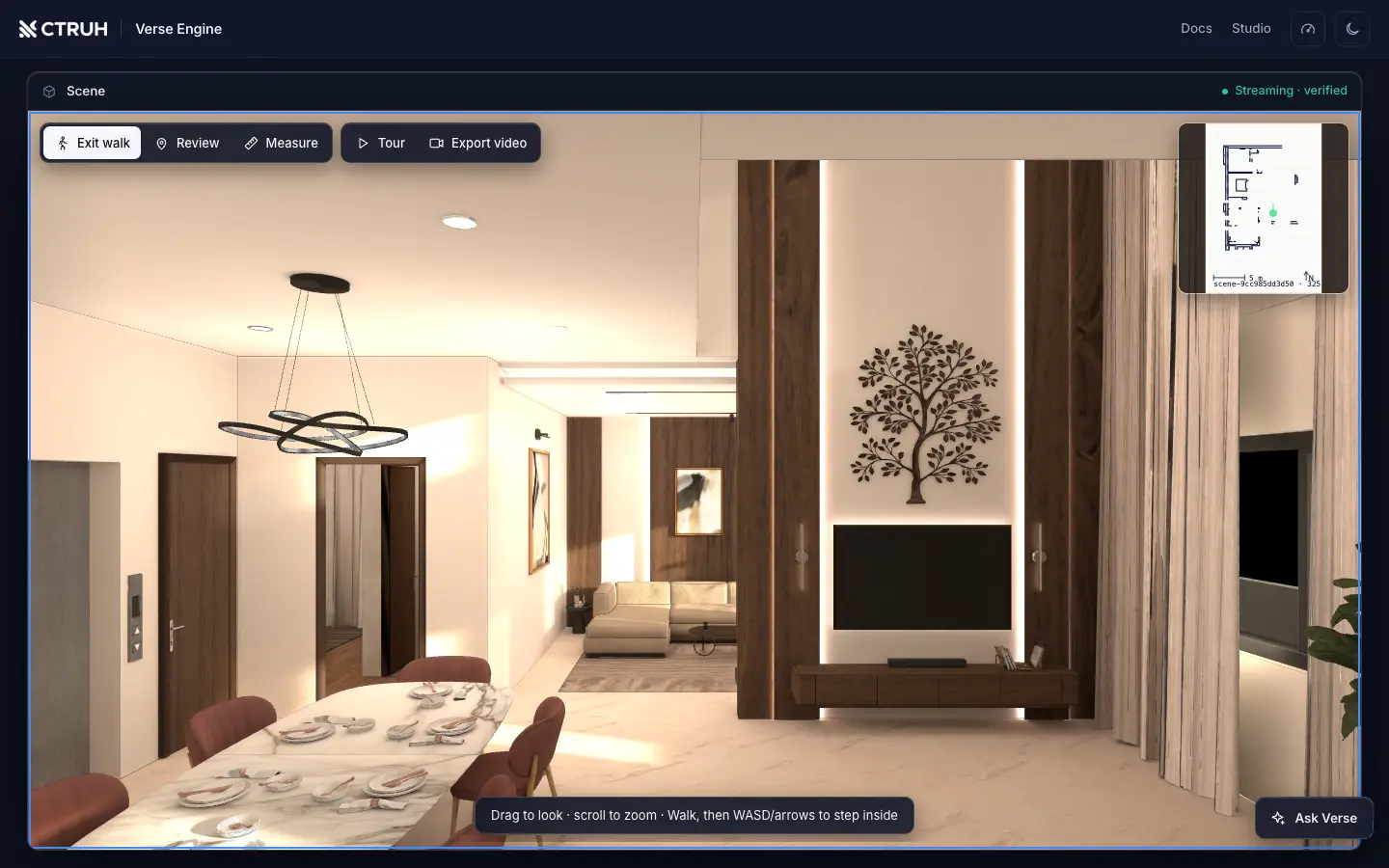
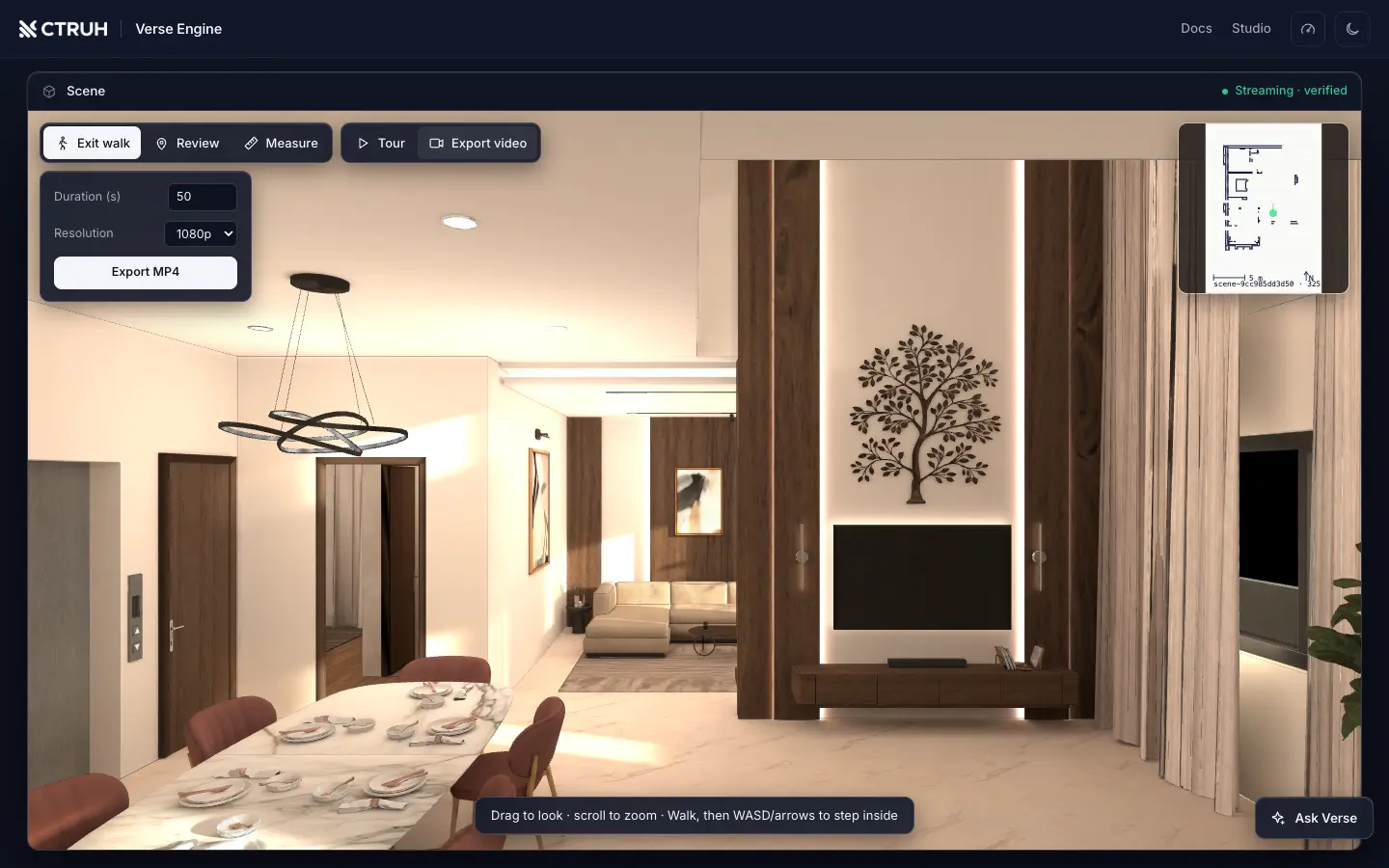
The apartment you see across this page is a fully furnished archviz interior — a 3.1-million-triangle Blender export compiled into about 74,000 streaming pieces — served from Verse's production deployment. It is the scene our fidelity and performance numbers are measured on, not a demo built for the website.

Source
Baked archviz export, 399 textures
Compiled
73,816 pieces, 23 detail levels, signed
Opens in
current browsers · no app
Prepare time
About four minutes
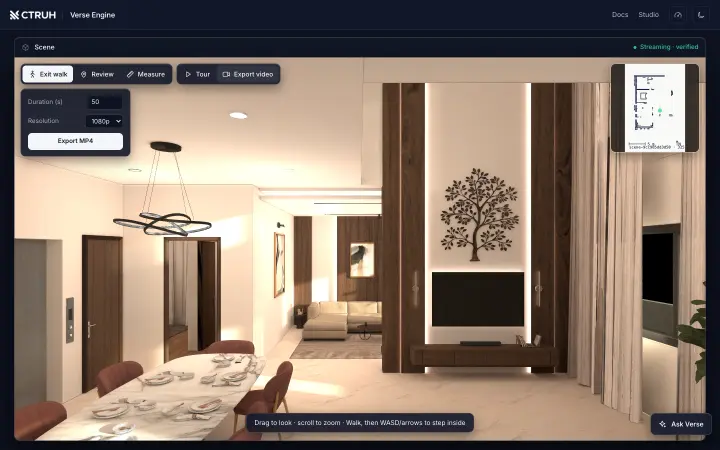
The production apartment in the Verse viewer with the export-video panel open
Works with your tools

Publish from where you already work

Unity and Unreal are where great 3D gets made. Verse is how it reaches everyone. One button exports the scene, uploads it and hands back the link, with progress in your panel and plain-English messages if something goes wrong.

No 3D team? Build scenes in Commverse Studio with no code, or start from product photos with VersaAI.

For developers

It's all one HTTP API

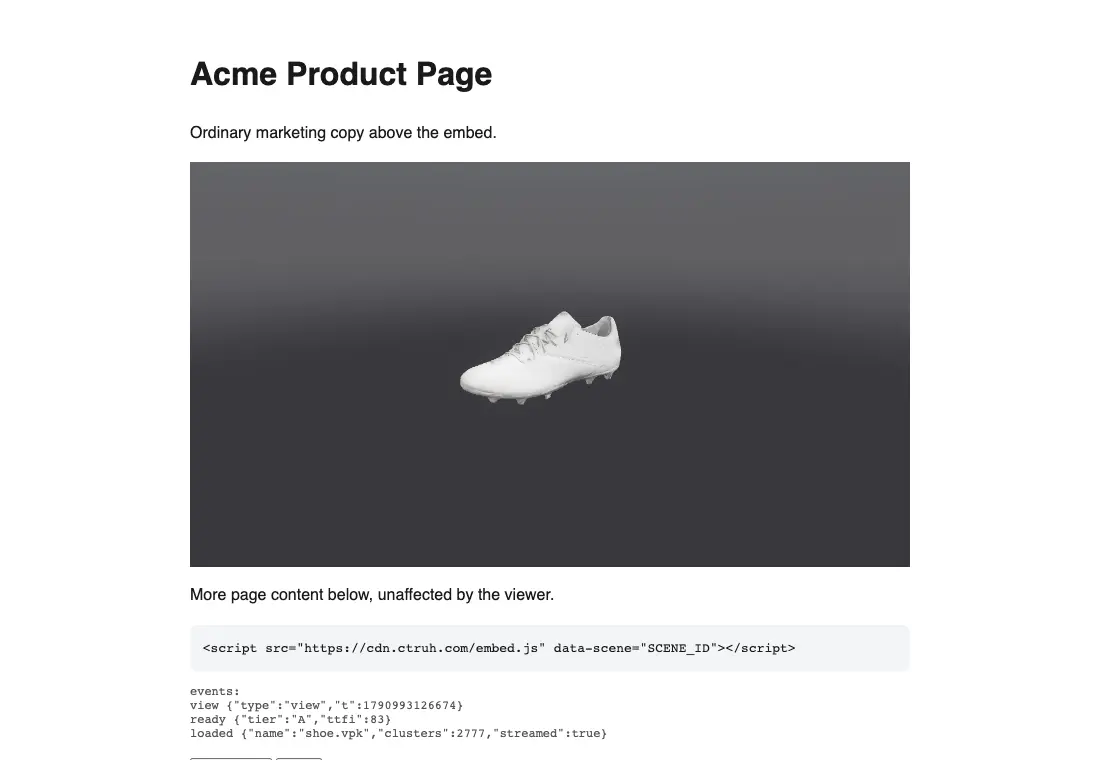
Everything on this page, from upload to private links, comments and tours, is plain HTTP on one address, with an embed SDK for the browser. Three calls take you from a file to a live link: upload, check status, embed. One scene ID works across the link, the embed, the API and Studio.

Terminal
# 1 — upload any GLB or scan capture
curl -X POST $VERSE/v1/ingest \
  -H "Content-Type: model/gltf-binary" \
  --data-binary @scene.glb
✓ 202 {"job":"scene-718035483f84"}

# 2 — poll until done
curl $VERSE/v1/ingest/scene-718035483f84
✓ {"status":"done","signed":true,
   "url":"…/?vpk=ingest/scene-718035483f84.vpk"}

# 3 — that URL is your product. Embed it:
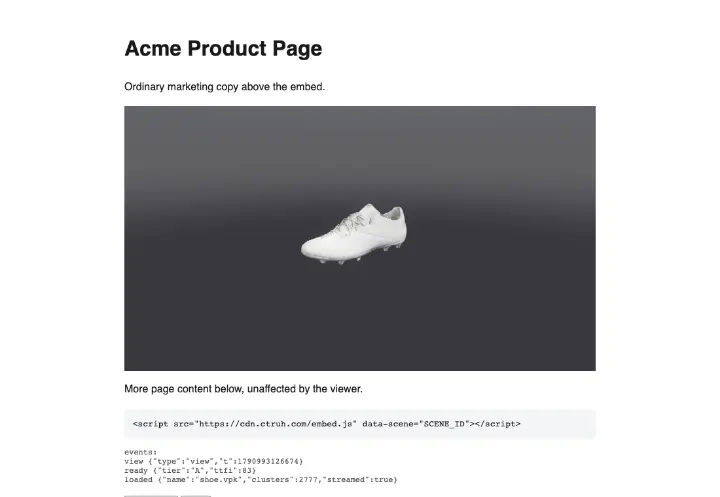
<script src="https://$VERSE/embed.js"
        data-scene="scene-718035483f84"></script>

The engine behind Ctruh

Ctruh is a spatial-computing company from India, building the way 3D reaches everyone on the web. Verse Engine streams the scenes. Commverse Studio and VersaAI help brands create them, with no installs and no special hardware. Ctruh appeared on Shark Tank India.

Verse Engine turns a model too heavy for any browser into a link that opens in seconds. It's built for real-estate walkthroughs, product pages and virtual stores.

Your next client visit could be a link

  • Free to try — no account needed to upload a model and walk through it.
  • A product is a link in a minute or two; a three-million-triangle scene in about four minutes.
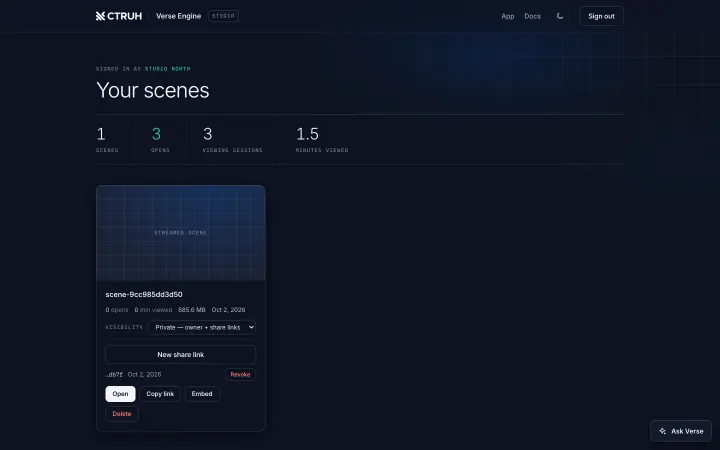
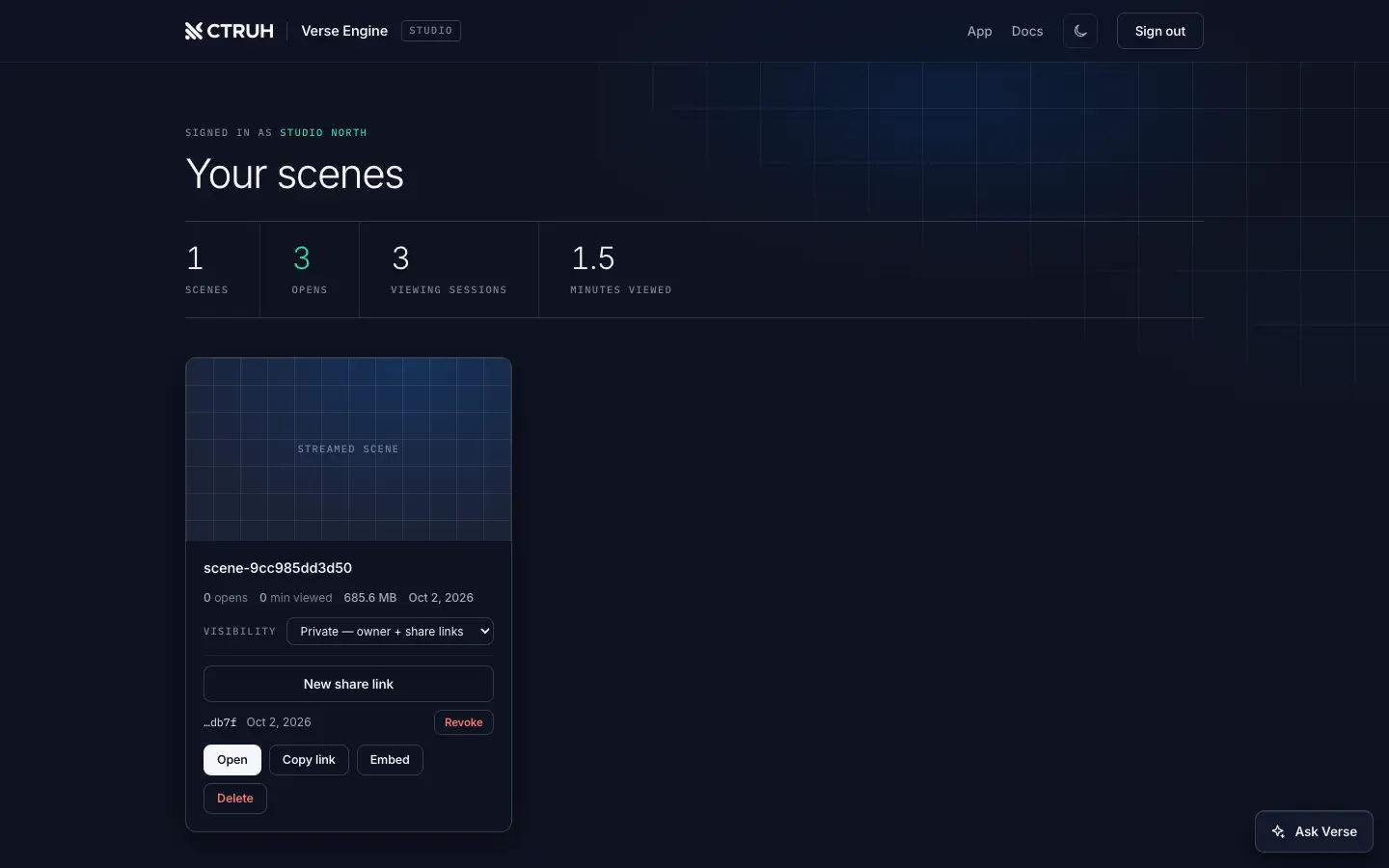
  • Sign in to make scenes private, see how often they are opened, and keep them in your library.